
Tutorials
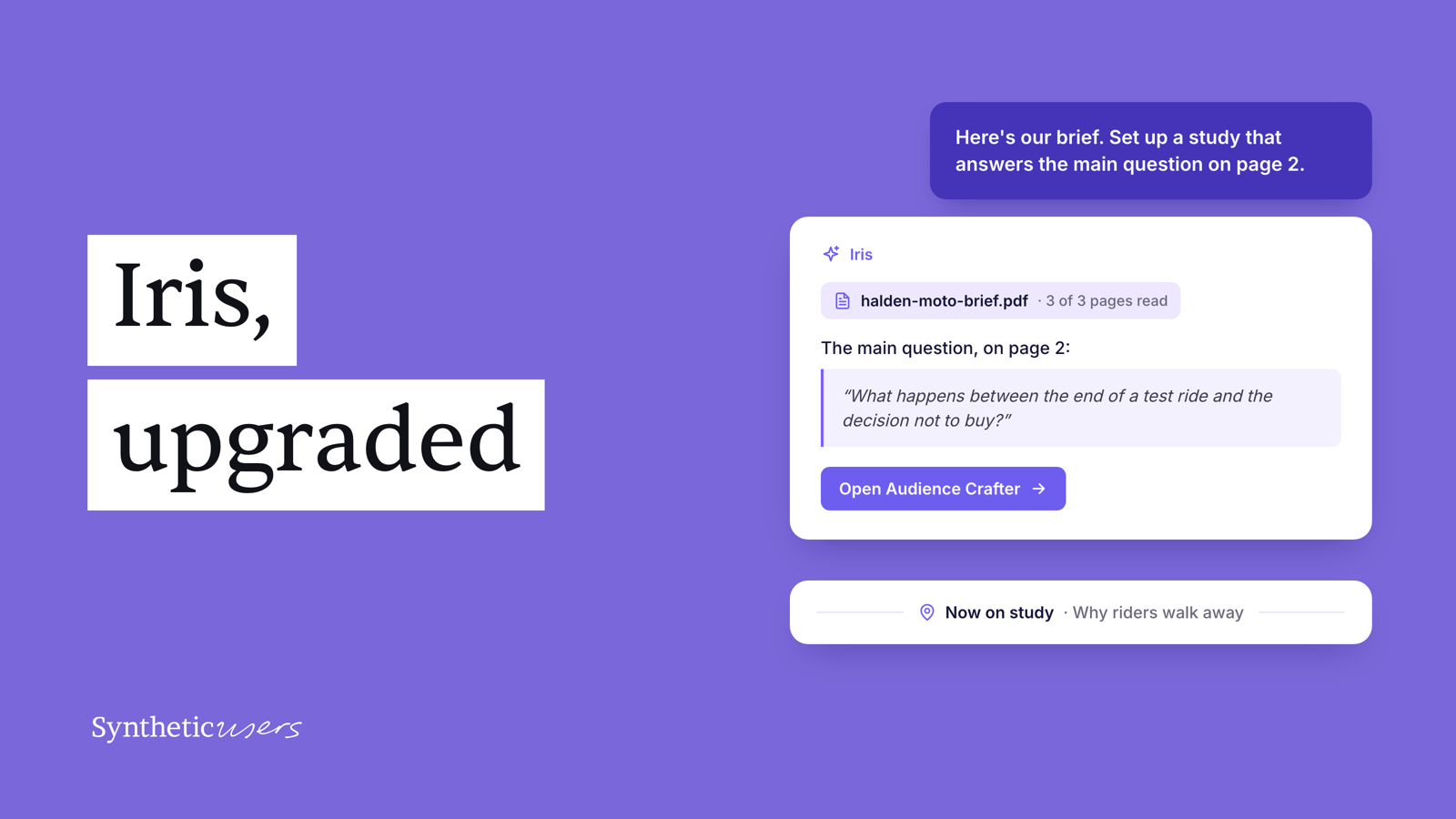
Iris, upgraded
One Iris on every screen of your project, one conversation that goes wherever you go, and help at every step of your research.
There is one Iris now. It's the same assistant on every screen of your project, and it comes with you as you move: from the project page into the Audience Crafter, and from the Crafter into a study. Your conversation comes too, along with everything Iris has learned in it, so there's nothing to repeat and no second assistant to keep track of. When you want a clean slate, start a new conversation. Your earlier ones are under Archived in the conversation list.
Iris can also do everything you do in your research, and help you at every step of it. It sets up your studies and audiences, generates participants and runs the interviews. Once the results are in, it helps you make sense of them: ask it about the insights, look for patterns across interviews and across studies, dig into what participants said, and have it build your reports.
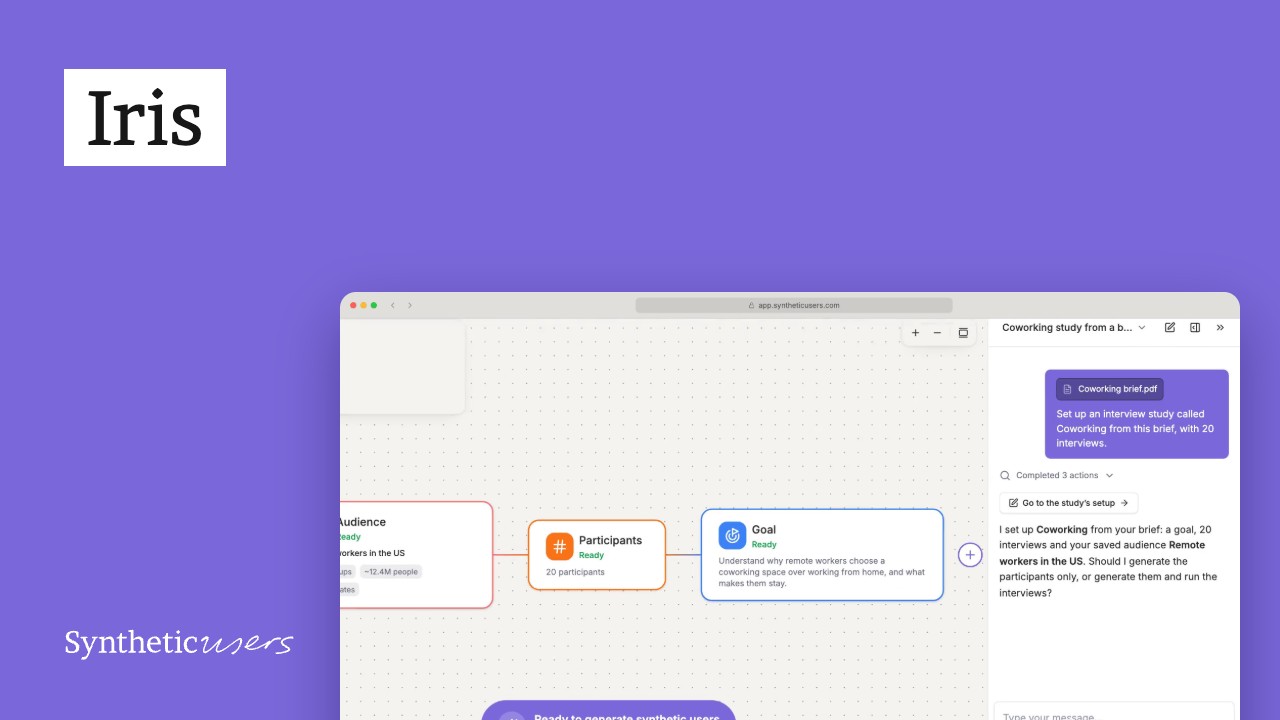
Hand it your brief. It builds it for you.
Have a research brief, a study setup document or an audience definition? Give it to Iris and it builds it in the platform for you. Drop the file into the chat: PDFs, Word documents, slides, spreadsheets and text files all work.
Our example is a brief from Halden Moto, a made-up motorcycle maker. Six in ten first-time riders who test ride one of its bikes don't buy one, and it wants to know why.
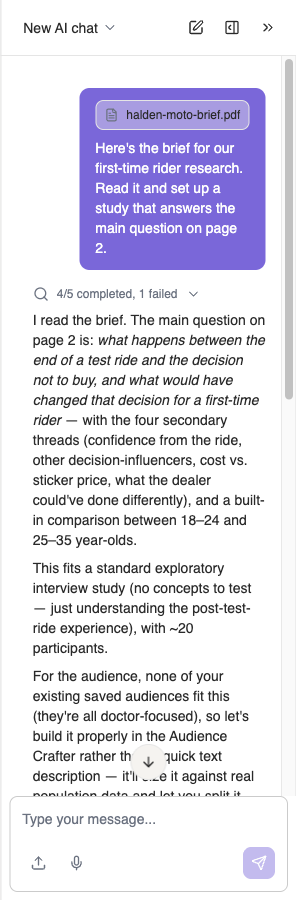
None of the project's saved audiences fitted the brief, so Iris offered to build one and gave us an Open Audience Crafter button. From there it takes the whole flow, including splitting the audience into groups, which you used to do by hand. It set the criteria from the brief: aged 18 to 35, in the UK, a learner or recently passed licence, a test ride in the last six months, and no purchase since. Then it split the audience into the brief's two age groups.
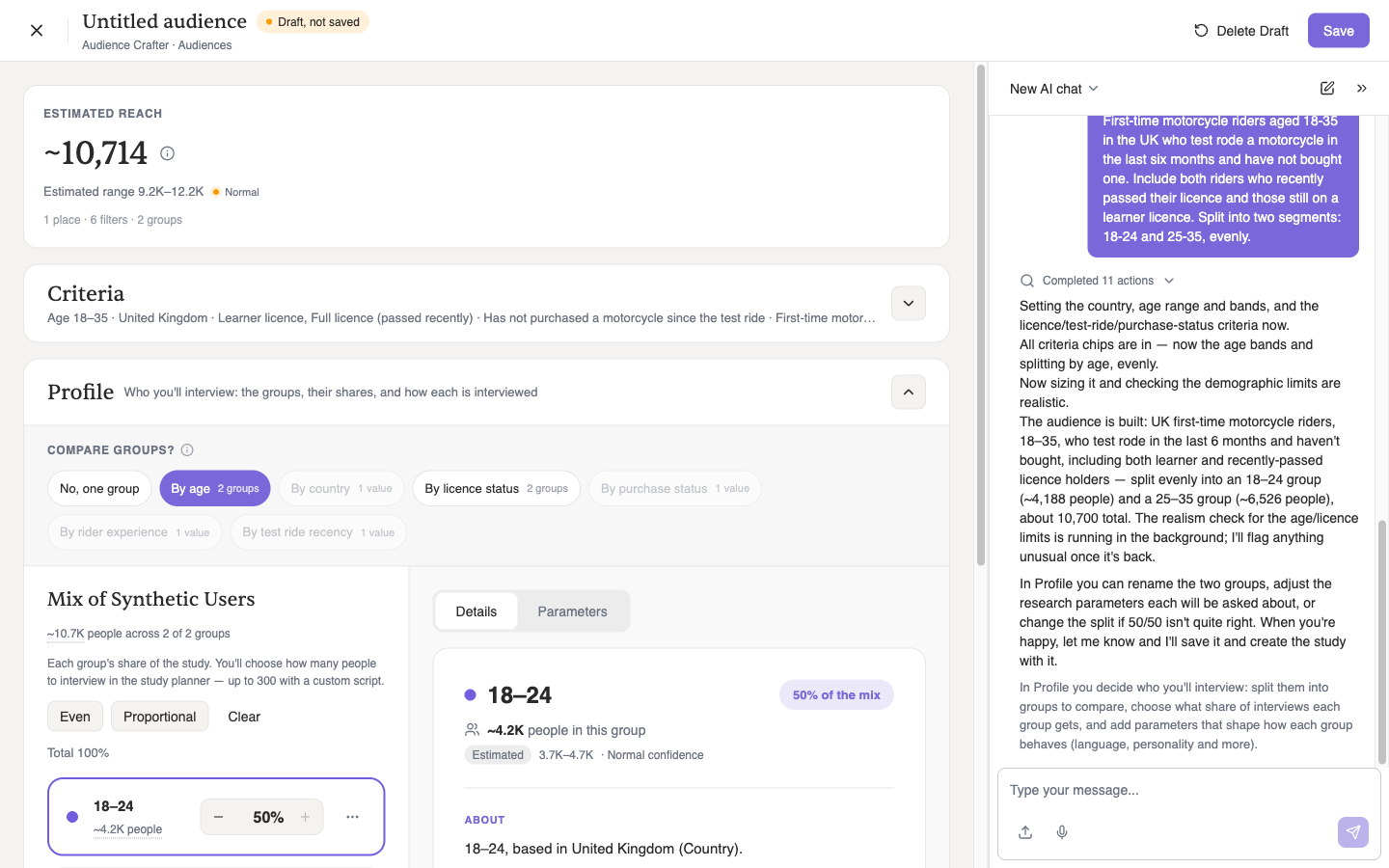
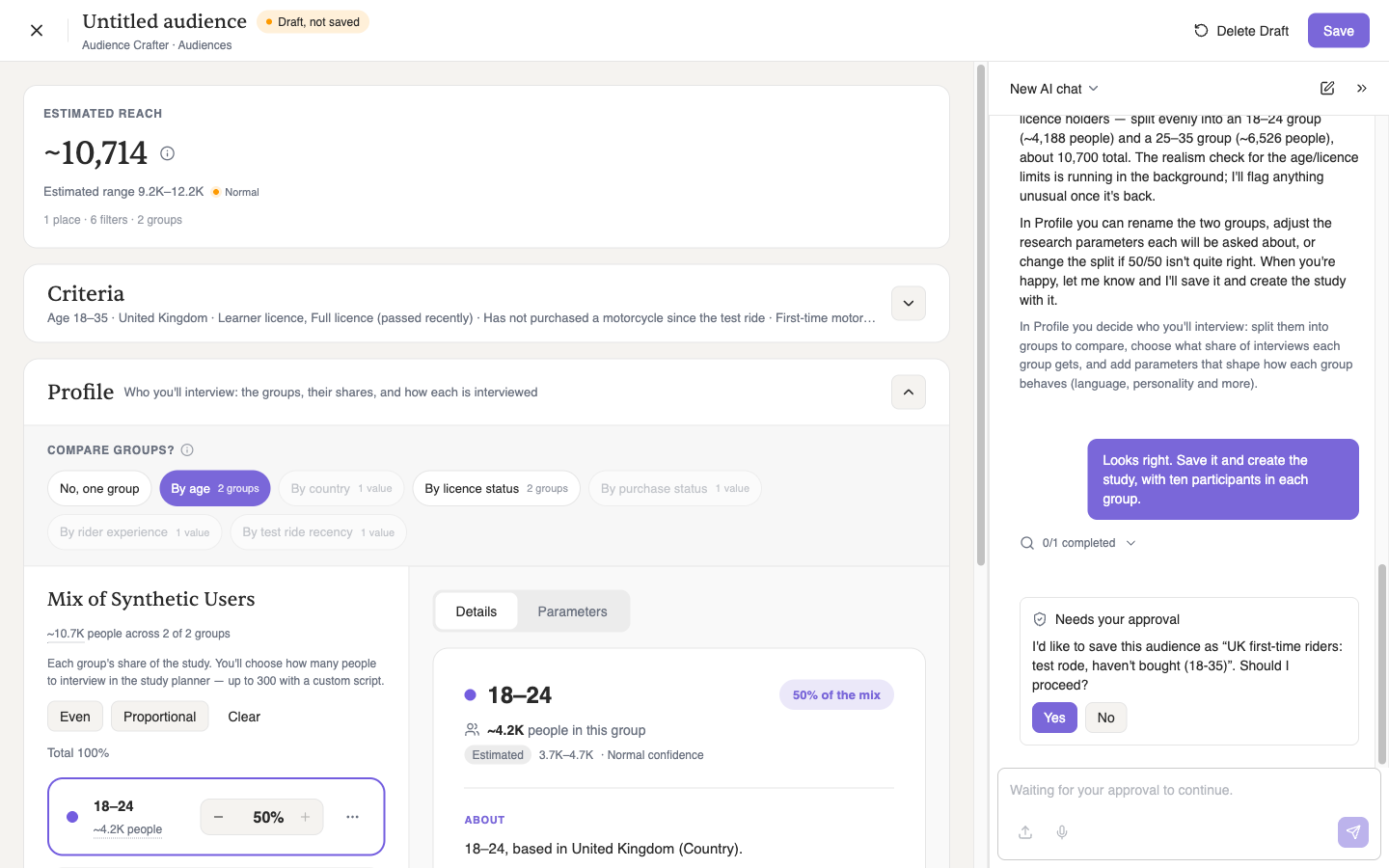
You can change anything yourself, and Iris picks up from your edits. When the audience looks right, say so:
It goes where you go.
You've already moved once: the Crafter opened with Iris beside it, in the same conversation. The same happens everywhere in your project.
With the audience saved, Iris created the study, “Why First-Time Riders Walk Away After the Test Ride”, with ten participants in each age group, and offered a button to go to it.
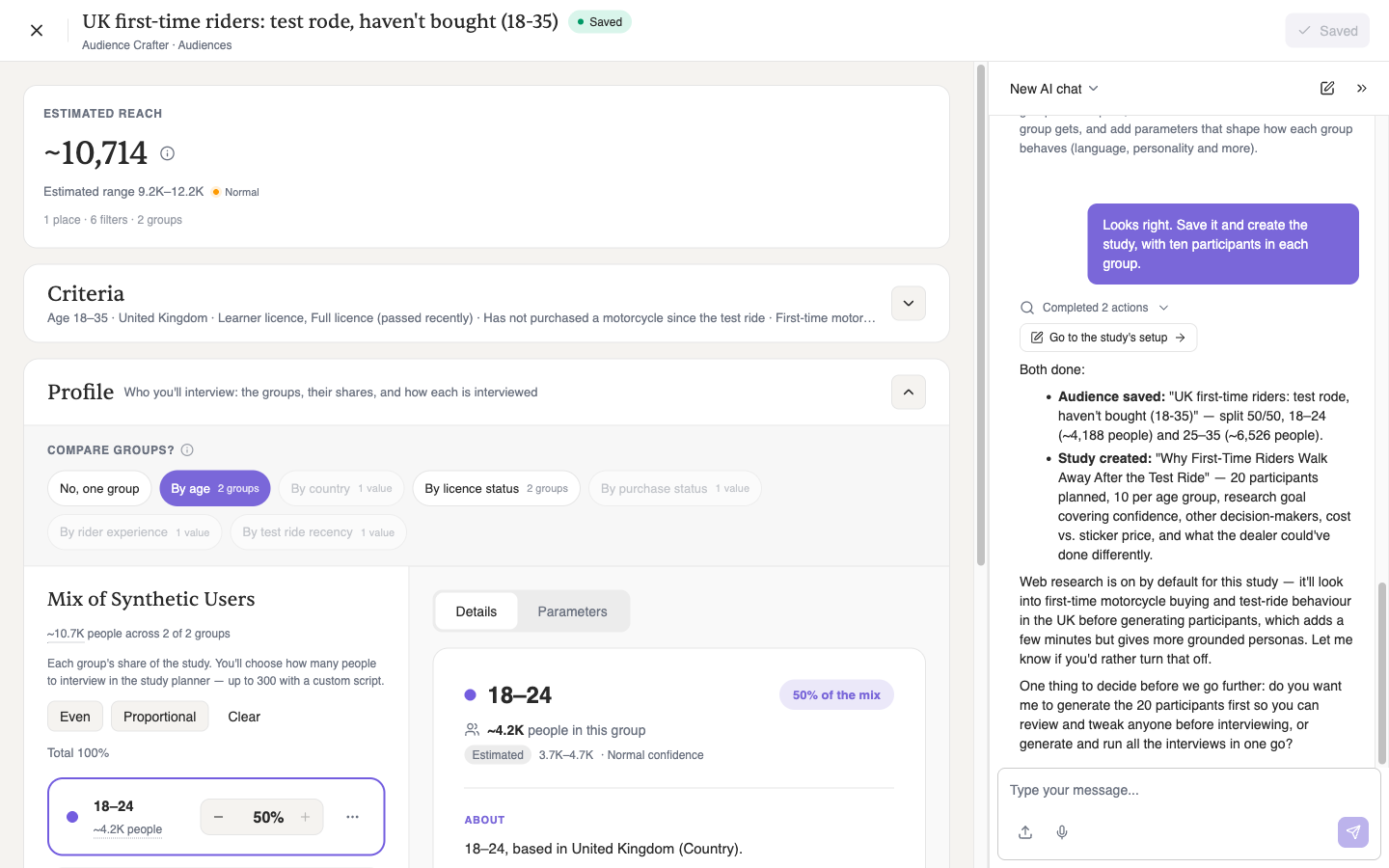
Click it and the conversation comes with you: the same thread and the same context, with a divider marking where you moved. You don't have to say which study you mean. Ask about “here” and Iris knows.
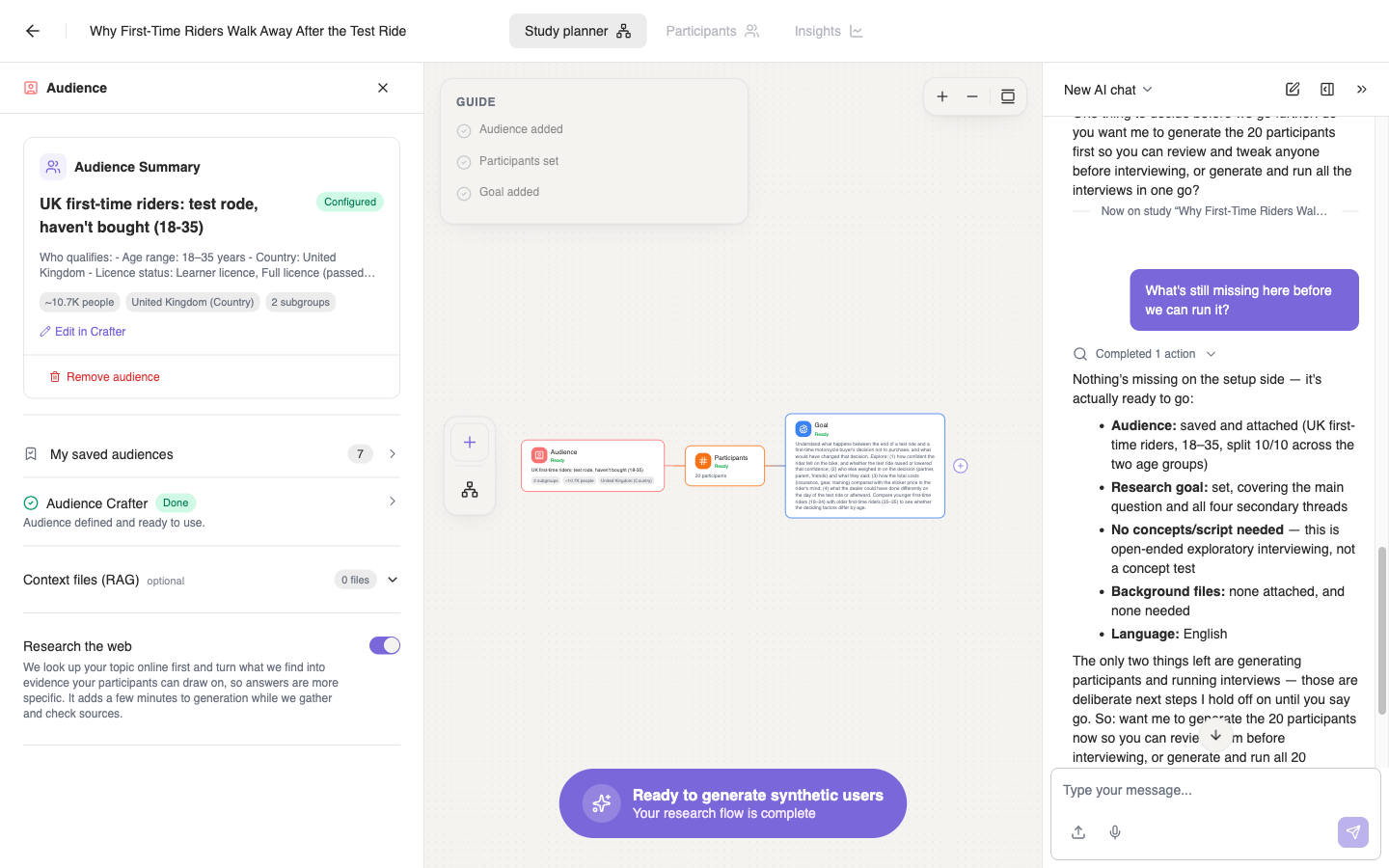
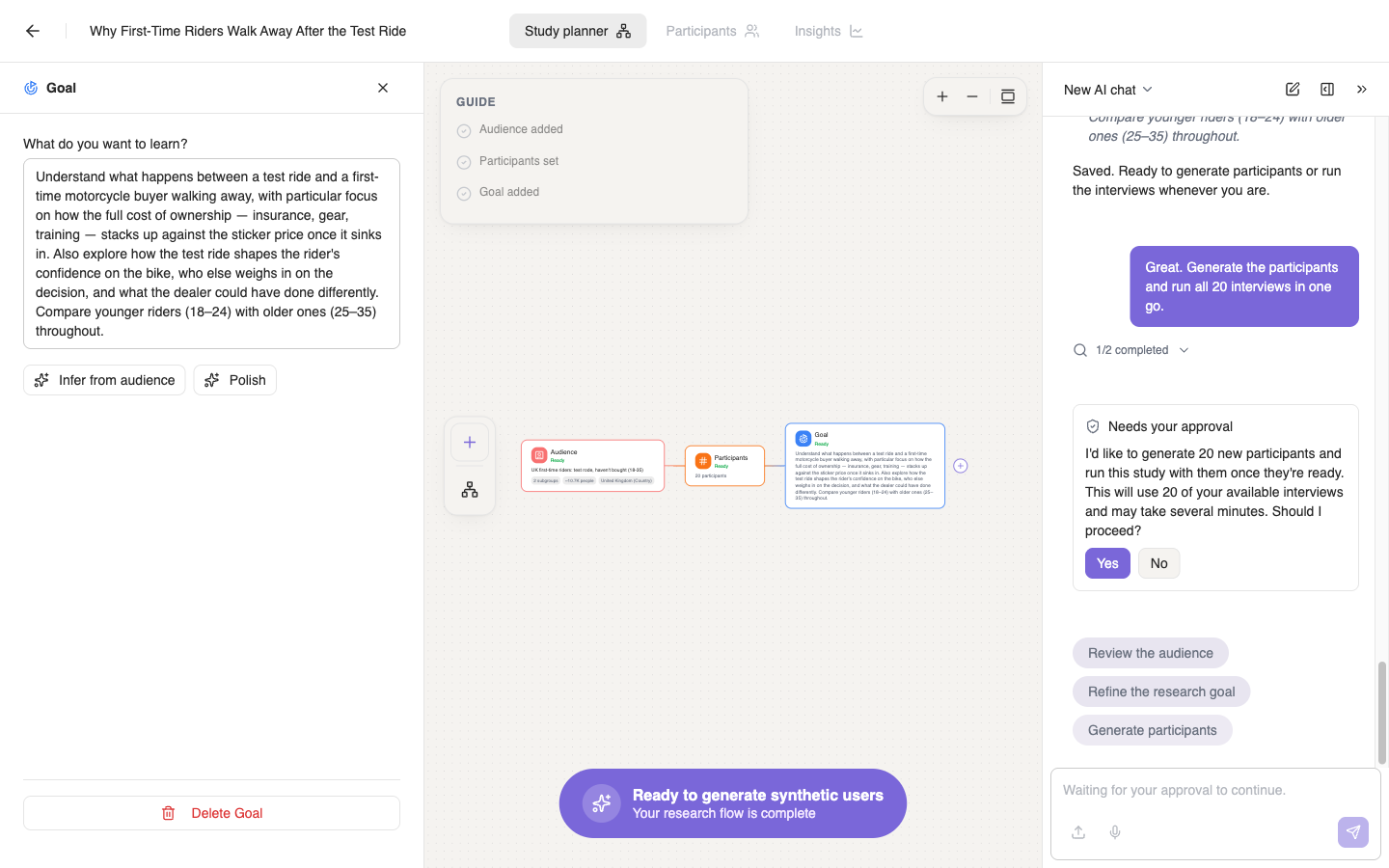
So ask it to. Anything that spends interviews is still your call, so Iris tells you what the run will cost and waits for your yes.
Finding your way works the same way. Ask Iris where something is, and it answers with a button that takes you there.
One Iris, one conversation, wherever you go in your project. Hand it your brief and take it from there.
Questions? Email us at support@syntheticusers.com.