
Tutorials
Translate your study's results for the whole team
Run a study in one language and read its results in any: shared translations for everyone on the study, and PDFs in the language you choose.
What changed
Every study now has one language. Its interviews run in it, and everything the study writes about them comes in it. When your team reads another language, Translate makes a translation of the results that everyone on the study can read, and the original never changes. A PDF can print in any of those languages too, and its parts can be translated before it downloads.
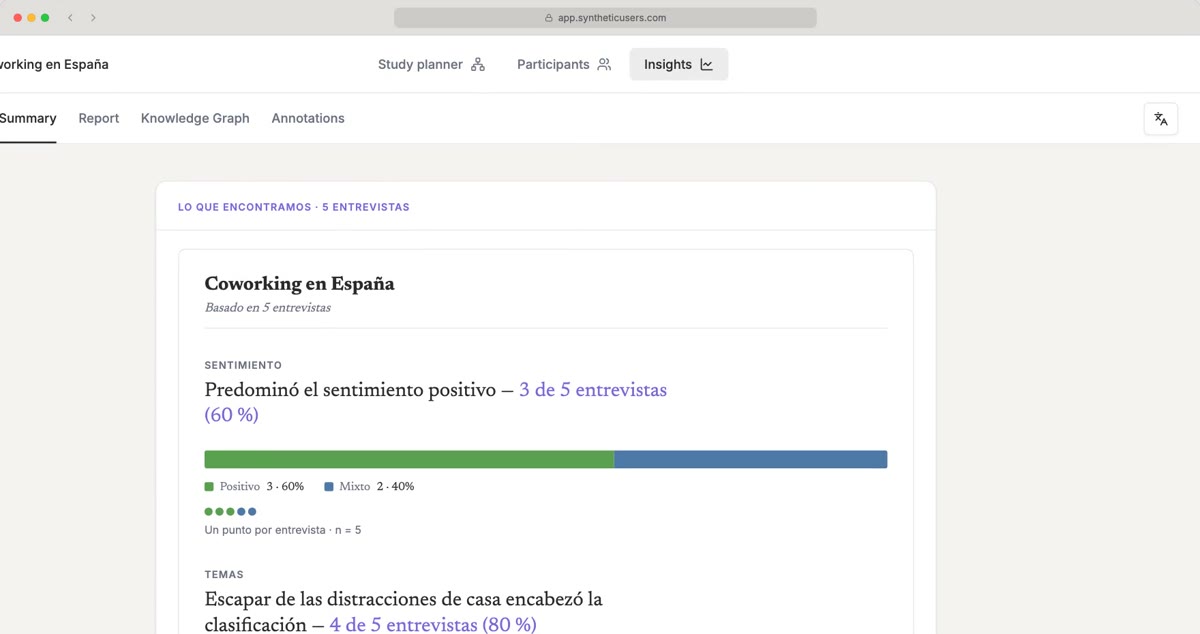
The screenshots follow a made-up study of coworking in Spain, run in Spanish and read in English.
Pick the study's language before you run
- Open Participants.
- Pick the language in the menu beside Add Participant.
- Run the interviews.
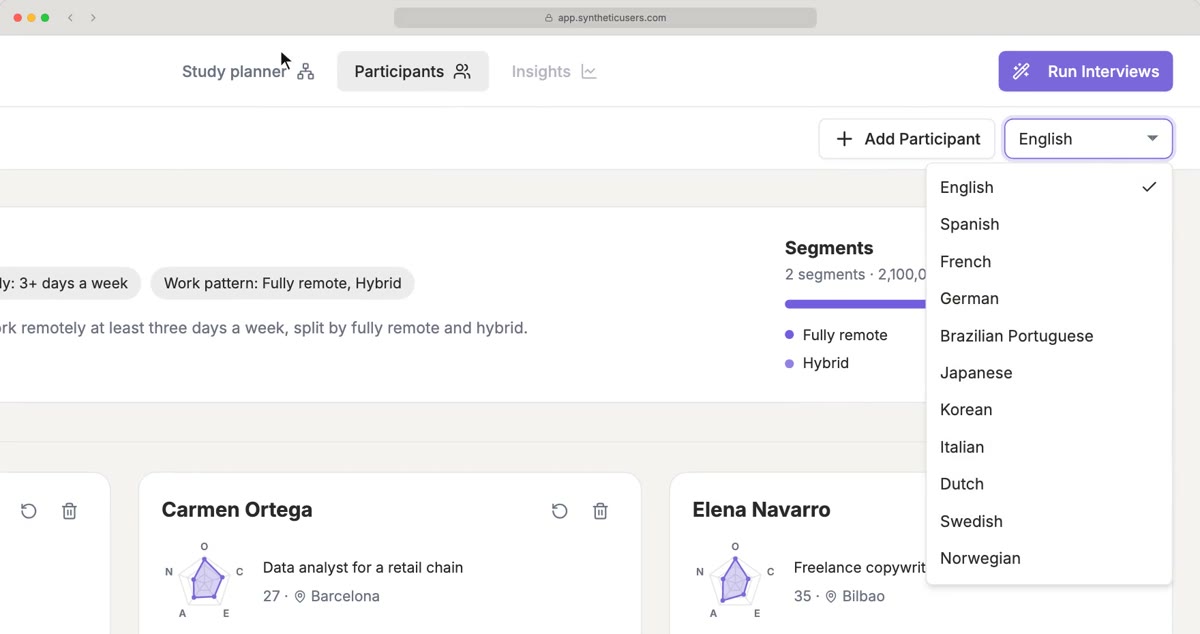
Your Synthetic Users answer in that language, and the results are written in it: the Summary, the Report, the Knowledge Graph and Findings, and the answers to follow-up questions. Quotes stay exactly as the participants said them.
There are 18 languages: English, Spanish, French, German, Brazilian Portuguese, Italian, Dutch, Japanese, Korean, Simplified Chinese and Traditional Chinese, and now Swedish, Norwegian, Danish, Finnish, Icelandic, Czech and Polish.
Read the results in another language
- On any results page, open Translate, the language button beside the page's actions, and choose Add translation.
- Pick a language, then Only the page you're on, or Everything in this study.
- Click Translate.
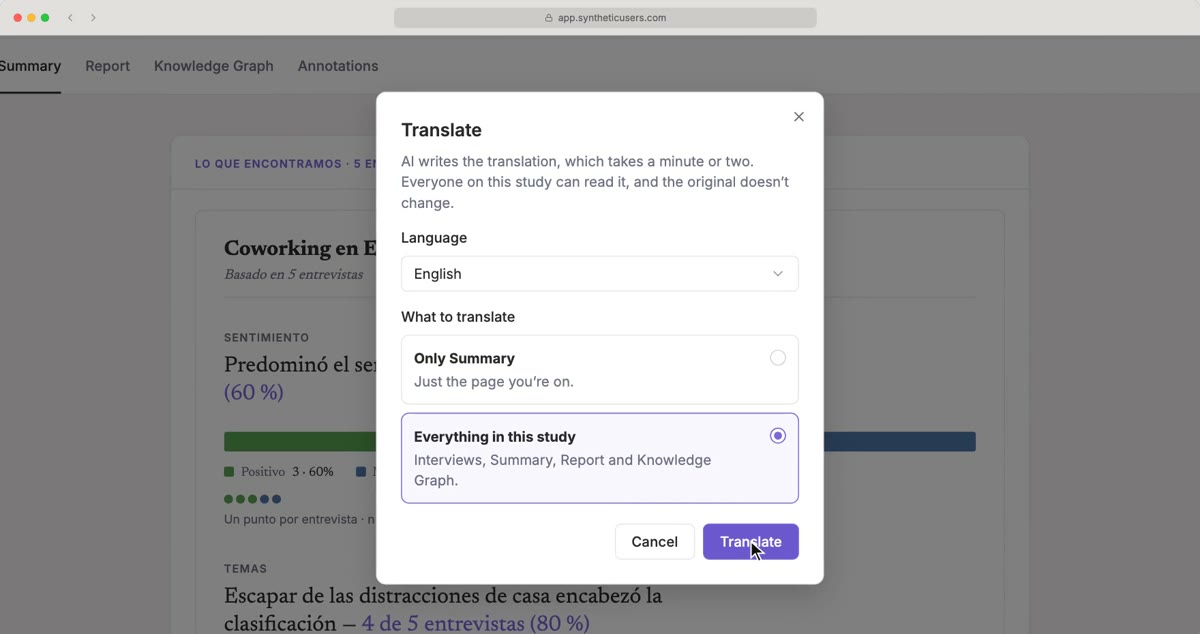
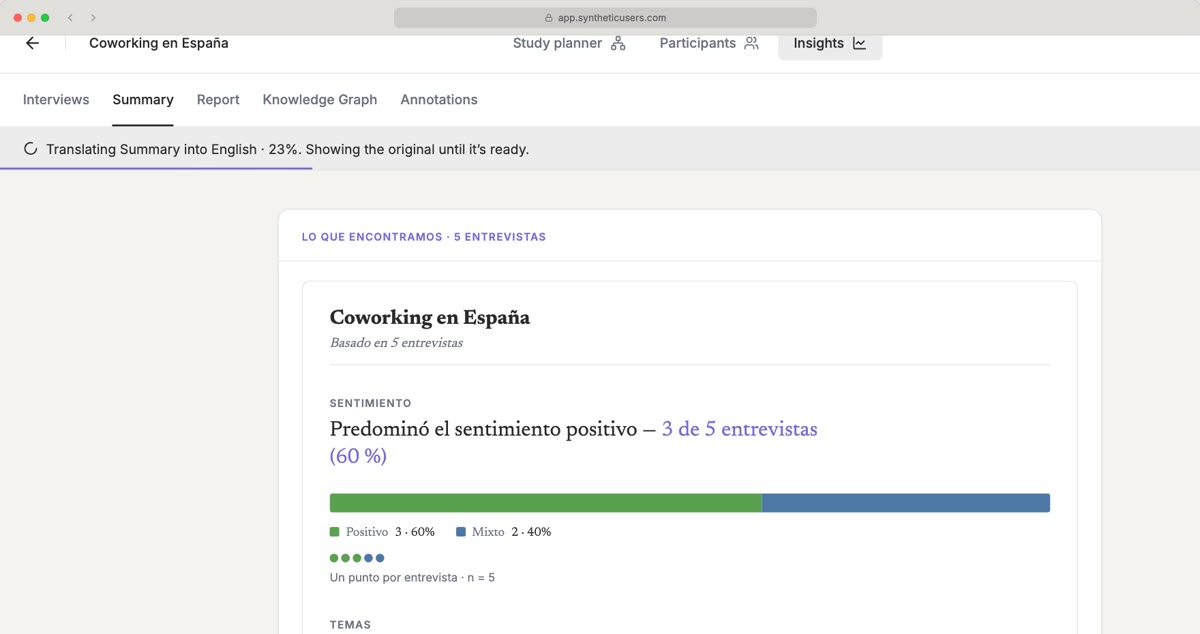
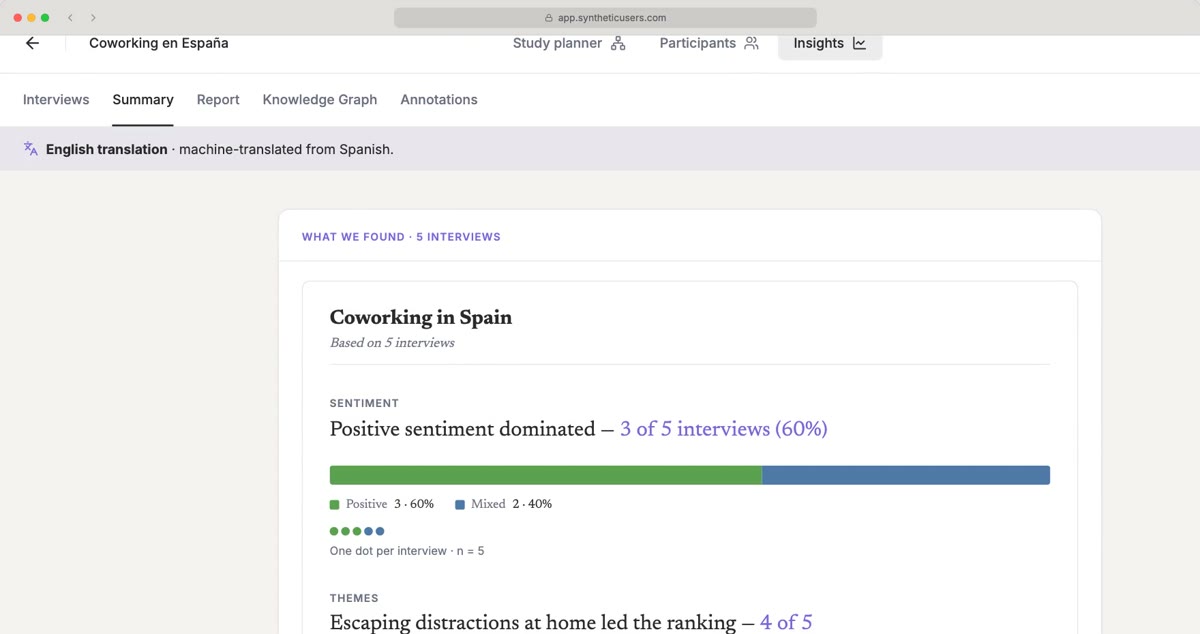
The study switches to that language straight away. Each page keeps showing the original, with the translation's progress under the tab bar, and swaps to the translation as soon as it's ready. It takes a minute or two; you can keep working meanwhile, or leave and come back.
One translation for the whole team
- Shared. Once a page is translated, everyone on the study can read it in that language. It's made once, whoever starts it.
- Your language is yours. The language you read a study in is saved for you, and your teammates keep reading it in theirs. Switch from the Read this study in menu, or go back with Show original.
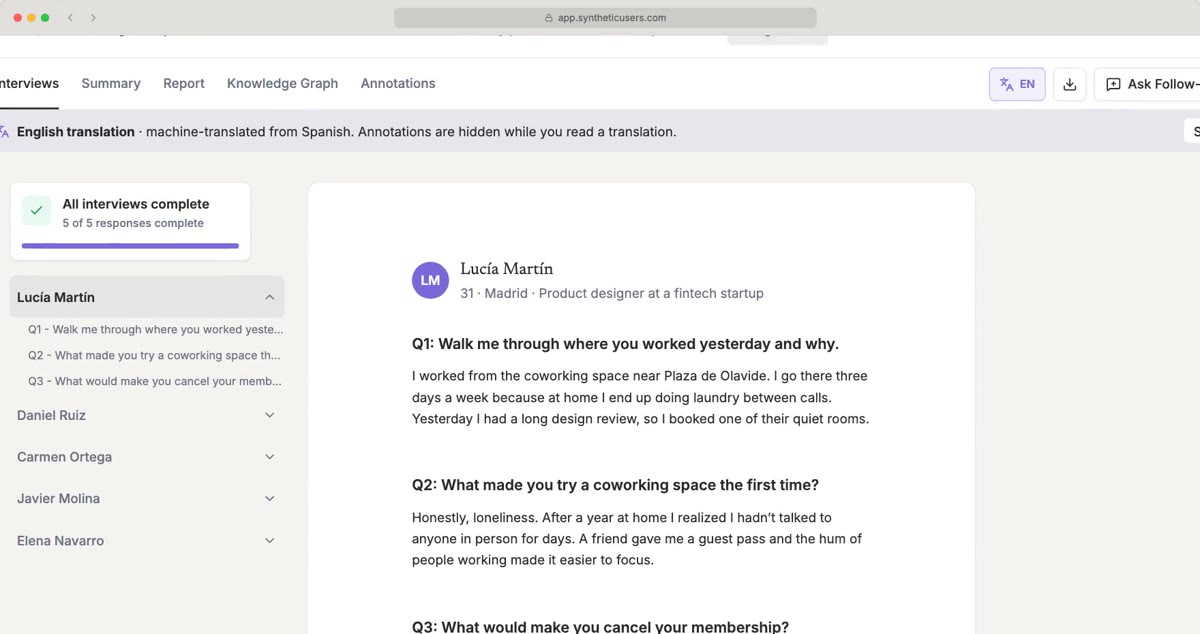
- Every page follows. Transcripts, the Summary, the Report with its follow-ups, the Knowledge Graph and Findings all read in the language you chose. Annotations are hidden while you read a translated transcript.
- It keeps up. When a page changes after it was translated, such as a new follow-up on the report, its notice says the translation is outdated and offers Update translation.
- Editors translate, everyone reads. Starting a translation needs edit access; viewers read the translations that exist.
Download a PDF in any language
Download PDF now starts with a Language. For each part of the PDF, the dialog says where it stands in that language and lets you choose what it prints in:
- Translate it first, for a part that isn't translated yet, or Update the translation first for an outdated one.
- The original, or another language the part is already translated into.
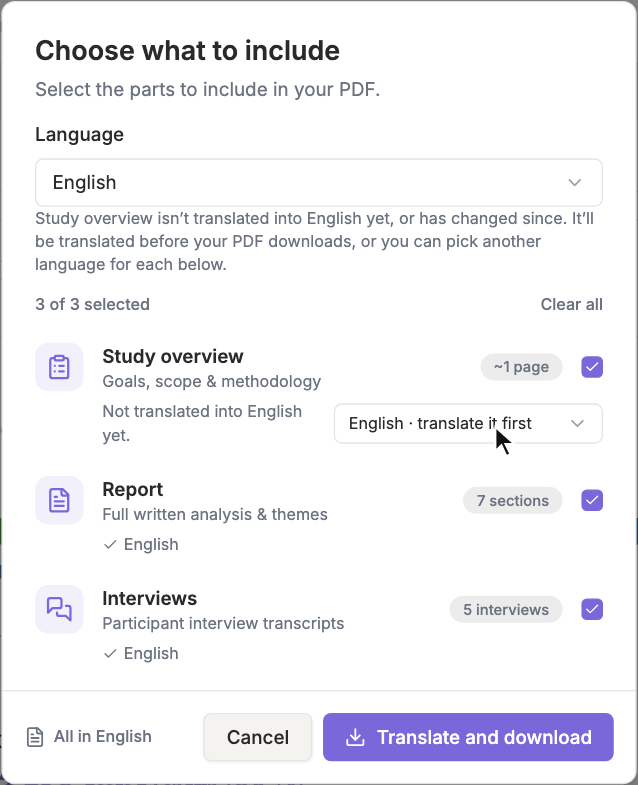
When something needs translating, the button reads Translate and download. The translations and the PDF are made on our side, one after the other, and the download's progress shows both. You can keep working while it runs, and the PDF downloads when it's ready. If a translation fails, the PDF isn't made, and the message says which part.
The PDF's own headings and labels print in each part's language. Annotations always print as written, because they're quotes.
Watch it in a minute and a quarter: Languages | Synthetic Users tutorial.
To try it, pick a language on Participants before you run, or open Translate on any results page.
All data in the screenshots is fictional.