
All tutorials
Tutorials
How to generate a report in a study
You can create custom reports using an outline. Rearrange your sections accordingly. You have full control.
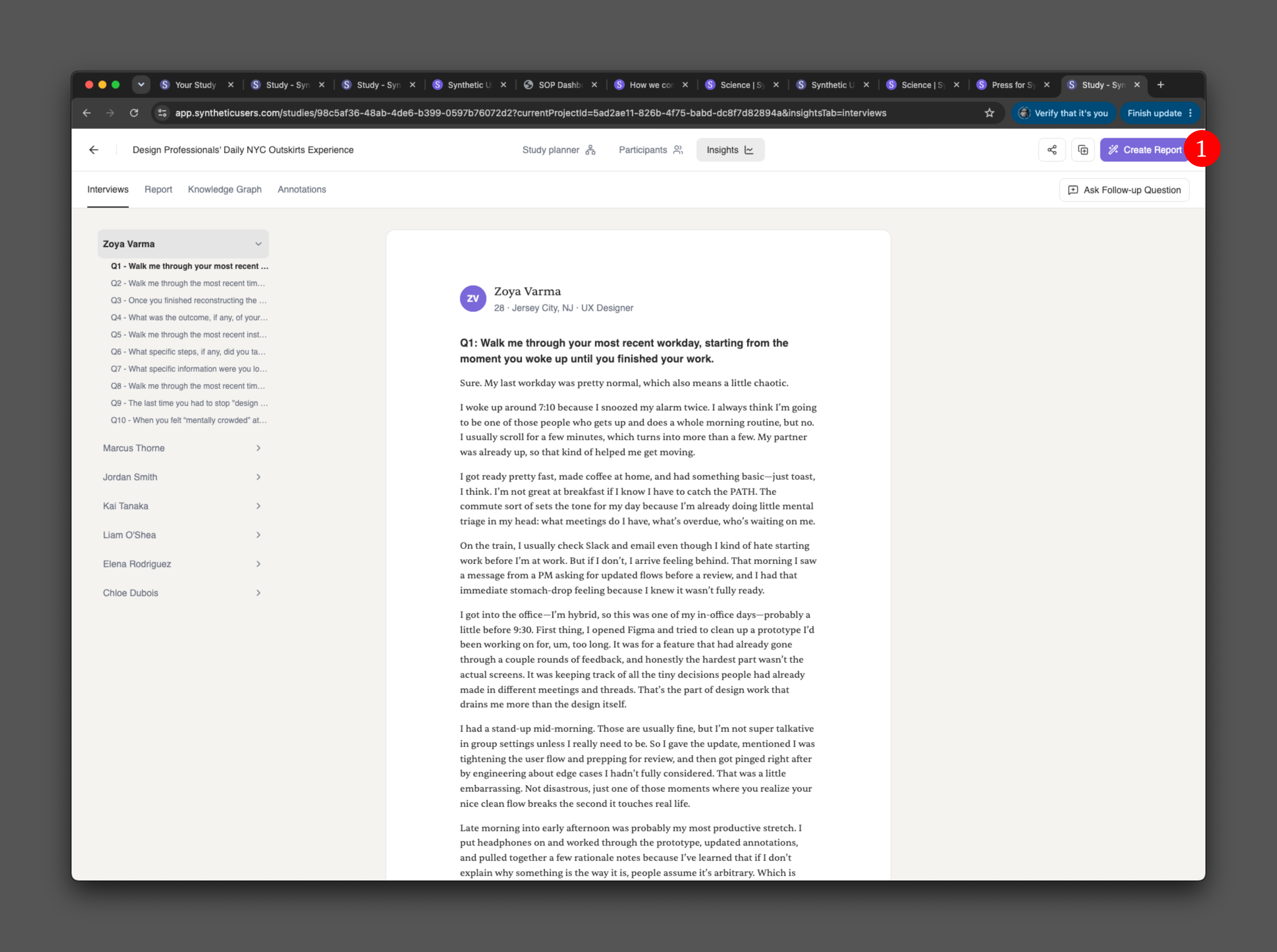
Once you have finished running the interviews, click the "Create report" button in the top-right corner.
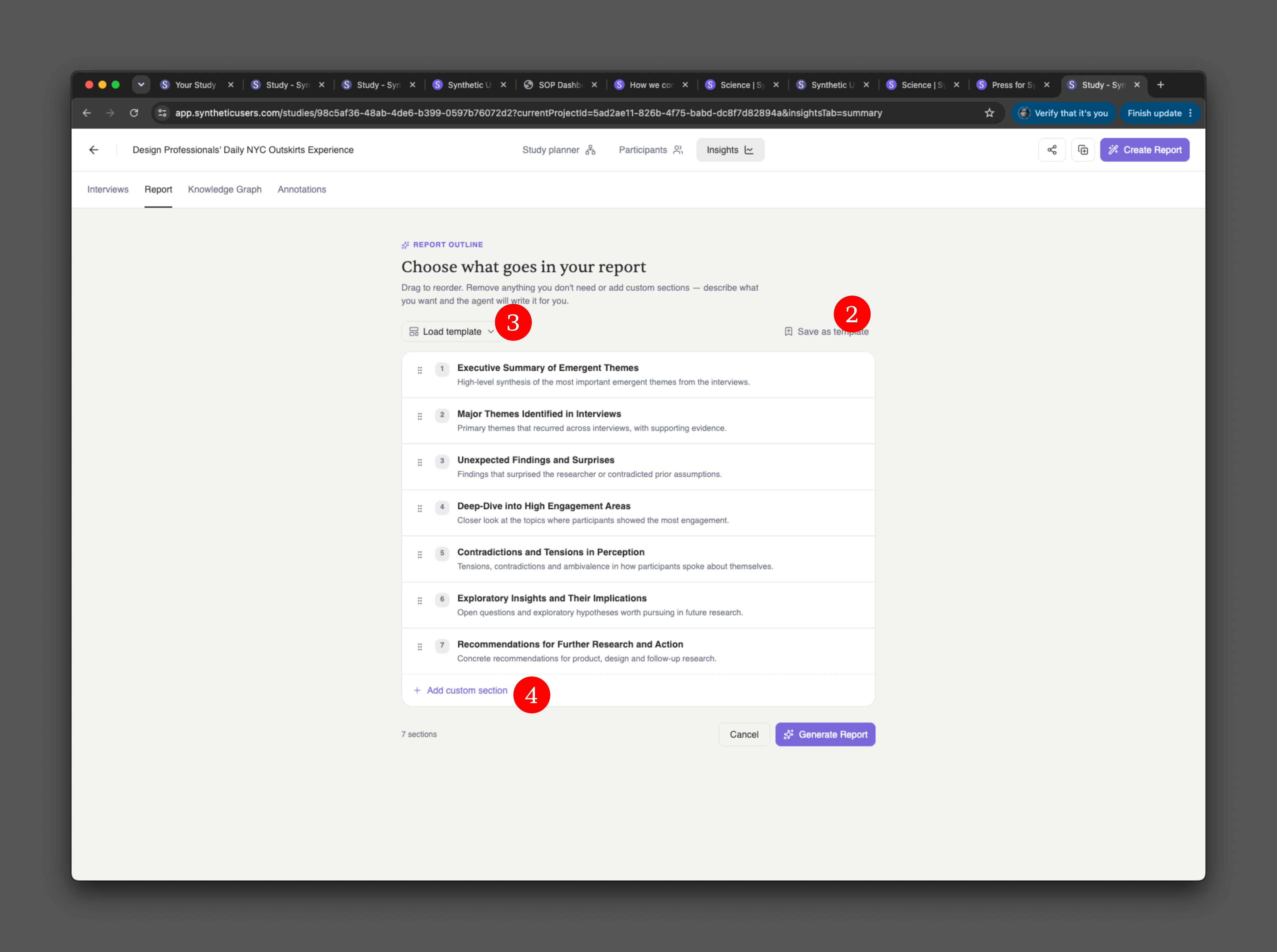
You will receive a suggested table of contents. You can reorder the outline and rearrange its sections. Once you are happy with it, you can save it as a template to reuse later.
You can also load previously created templates containing a custom table of contents.
To add another section, use the custom section option. When the outline is ready, click the "Generate Report" button.
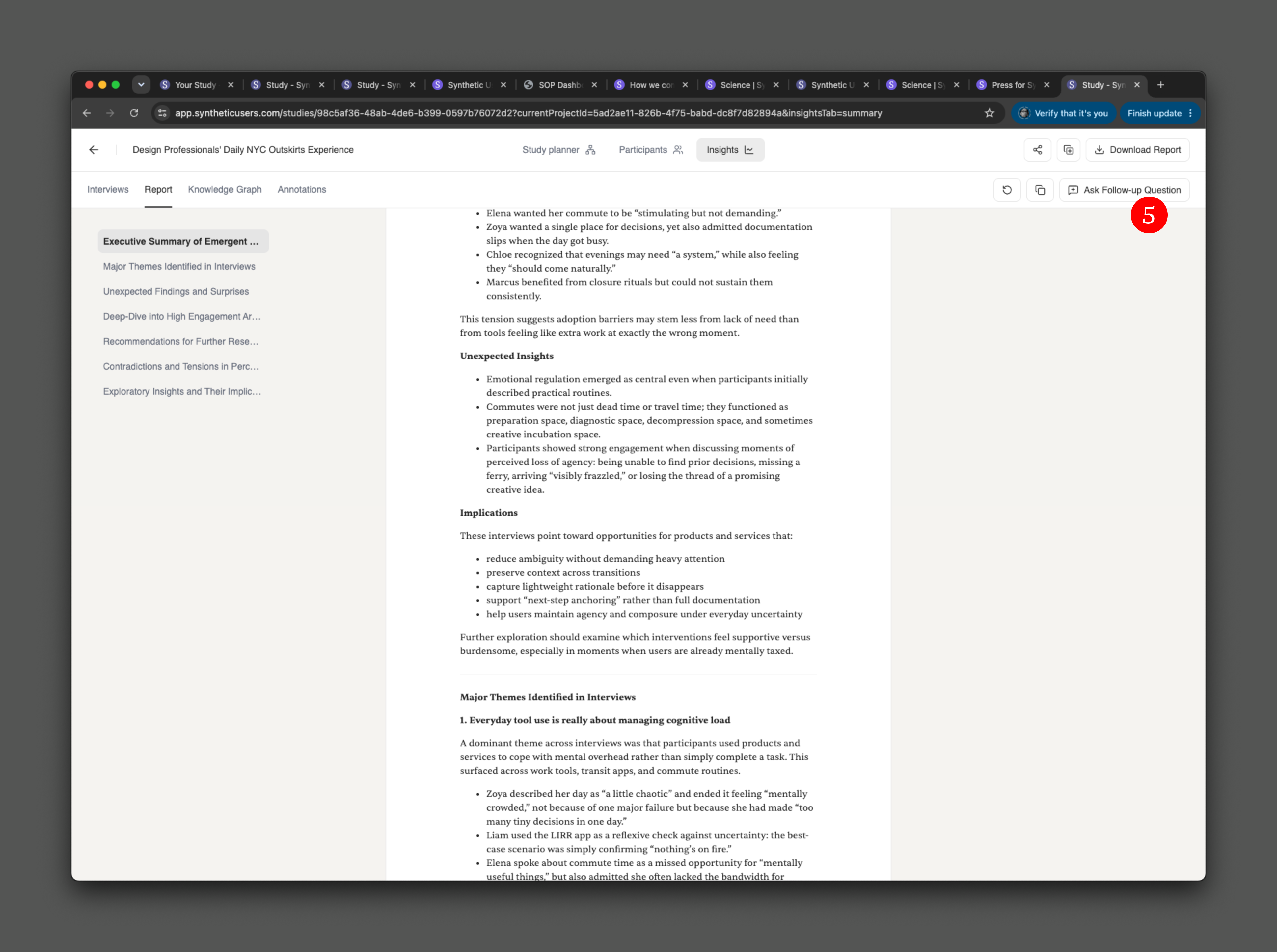
You can always ask follow-up questions about your report. If the report is missing something, click the "Ask follow-up question" button to extend it.